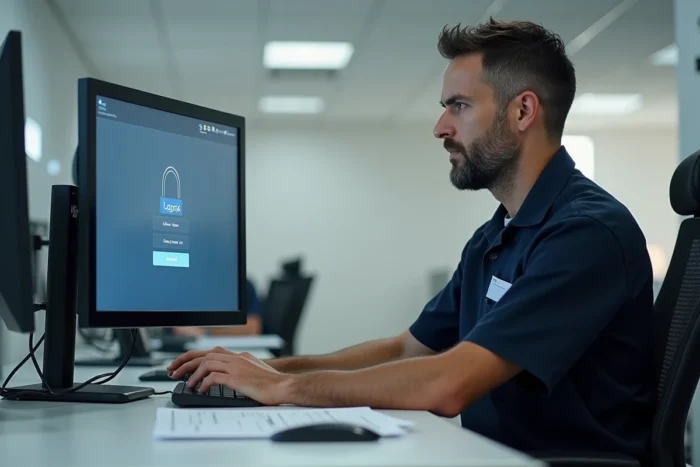
You are trying to check your schedules or report an absence, and you encounter an error page or a portal you do not recognize. This scenario is common among La Poste group agents because several interfaces coexist for accessing time and activity management. Choosing the right portal to connect to GTA La Poste extranet avoids unnecessary back-and-forth with support and saves valuable time.
MaBoxRH: the unique portal that replaces the old GTA accesses
For a long time, scattered links on local intranets or on the Portail Malin pointed to GTA. These shortcuts no longer work. The official URL is now maboxrh.laposte.fr, which consolidates GTA (or GTm) into a centralized HR space.
Specifically, when you enter this address in your browser, you access a single login screen. Your HR identifier and password are sufficient. No need to look for a second portal dedicated to working hours: the GTA component is directly integrated into MaBoxRH.
To better understand the difference between GTm extranet and MaBoxRH according to your profile, a detailed guide explains the connection to GTA La Poste extranet and the cases where one or the other applies.
Why does this confusion persist? Because old favorites saved in agents’ browsers still point to outdated URLs. Deleting these favorites and saving maboxrh.laposte.fr as a new bookmark resolves most access issues.

GTA connection issues: the browser matters as much as the portal
You have the right address, but the page remains blank or shows a certificate error. Before contacting support, check your browser. Blockages often come from extensions or outdated versions, not from the portal itself.
Test in private browsing
Open a private browsing window (Ctrl + Shift + N on Chrome, Ctrl + Shift + P on Firefox). This mode temporarily disables extensions and cache. If GTA works in private browsing, the problem lies with an add-on installed on your browser.
Disable your extensions one by one to identify the one that blocks access. Ad blockers and certain password managers are often to blame.
Recommended browsers for GTA La Poste
The security protocols used by La Poste require a recent browser. Older versions no longer handle these protocols properly and cause connection errors.
- Firefox, Chrome, or Edge in their latest version are the three browsers compatible with MaBoxRH and GTA.
- Internet Explorer is no longer supported by Microsoft and generates systematic errors on La Poste group portals.
- On mobile, use your device’s default browser, updated, rather than an obscure third-party browser.
Password reset: avoid complete blockage
The password reset page on MaBoxRH requires two elements: your HR identifier and your secret answer. If you have forgotten your secret answer, the online form is not sufficient.
In this case, a specific link on the reset page (“I forgot my secret answer or my email is inaccessible”) directs you to a different procedure. You will then need to go through your manager or your local HR to resolve the situation.
Keep your recovery information up to date
The email address associated with your account should be one that you check regularly. If you provided an old or work email that you no longer have access to, the automatic reset will fail.
- Check your recovery email as soon as your next successful login, in your MaBoxRH profile settings.
- Note your secret answer in a safe place (password manager, personal notebook, not a sticky note on the screen).
- In case of persistent technical difficulties, support can be reached at [email protected].
Access from the WAG portal or from the direct address: which path to choose
Two paths lead to GTA. The first goes through the WAG portal (Web Applications Group), in the “My Human Resources applications” section. The second involves directly entering maboxrh.laposte.fr in the address bar.
The result is the same: both paths lead to the same GTA interface. The difference is practical. If you are already connected to the La Poste internal network (professional workstation), WAG saves you from re-entering your credentials. From a personal computer or smartphone, the direct address is quicker.
A common trap: some agents go through a search engine and click on a result that looks like the official portal but isn’t. Always type the complete address maboxrh.laposte.fr yourself rather than clicking on the first link suggested by Google.
The Portail Malin, previously used for social and cultural services, has been closed since January 1, 2026. It no longer provides access to any HR applications. If an old link redirects you there, it is a clear sign that your favorite is outdated.
The right portal for GTA ultimately does not depend on your profile or grade, but on a simple reflex: use the official MaBoxRH address, check that your browser is up to date, and keep your recovery information accessible. Three actions that eliminate almost all the blockages reported to support.